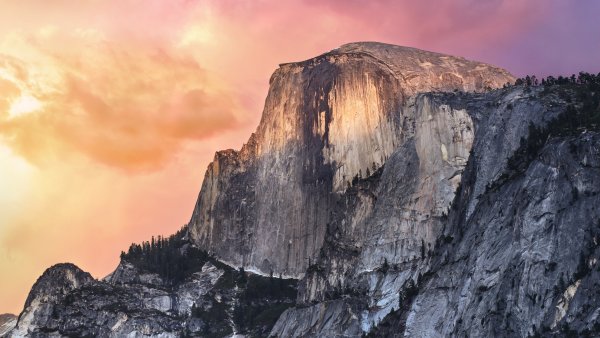
File Information
- Type
- Image
- Format
- JPG
- Size
- 3.01 MB
- Resolution
- 3840 × 2160
- Added
- February 14, 2026
Windows 10/11
- Download the image file
- Right-click on the downloaded file
- Select "Set as desktop background"
- Or go to Settings → Personalization → Background
macOS
- Download the image file
- Open System Preferences → Desktop & Screen Saver
- Click the "+" button and select the image
- Or right-click the file → Set Desktop Picture
Android
- Download the image file
- Open Gallery or Photos app
- Tap the image → Menu → Set as
- Choose "Wallpaper" and set for Home/Lock screen
iOS (iPhone/iPad)
- Download the image (long press → Save Image)
- Go to Settings → Wallpaper
- Tap "Choose a New Wallpaper"
- Select the image and set for Home/Lock screen